
SOLIDWORKS CAD 3D: The ideal solution for every business
From small businesses to large multinational corporations, SOLIDWORKS CAD 3D is the ideal choice for those looking to optimize the design and manufacturing process. Thanks to its intuitive interface and powerful features, SOLIDWORKS helps reduce development time, lower costs, and improve product quality, providing a competitive advantage in the market.
Why choose SOLIDWORKS?
SOLIDWORKS, developed by Dassault Systèmes, is a parametric 3D CAD design software that enables you to create, modify, and manage projects quickly and efficiently. Its ability to integrate workflows from 2D to 3D and vice versa simplifies the design process and helps transform ideas into innovative products.
Advanced Features for Every Need
- Precise and intuitive 3D modeling for designing complex parts and assemblies.
- Creation of detailed 2D drawings ready for production.
- Advanced tools for cost estimation and project feasibility analysis.
- Efficient data management for tracking revisions and improving collaboration among team members.
- Simulation and analysis tools to prevent errors and reduce rework costs.
- Photorealistic rendering capabilities and integrated CAM for manufacturing.Funzionalità di rendering fotorealistico e CAM integrato per la produzione.
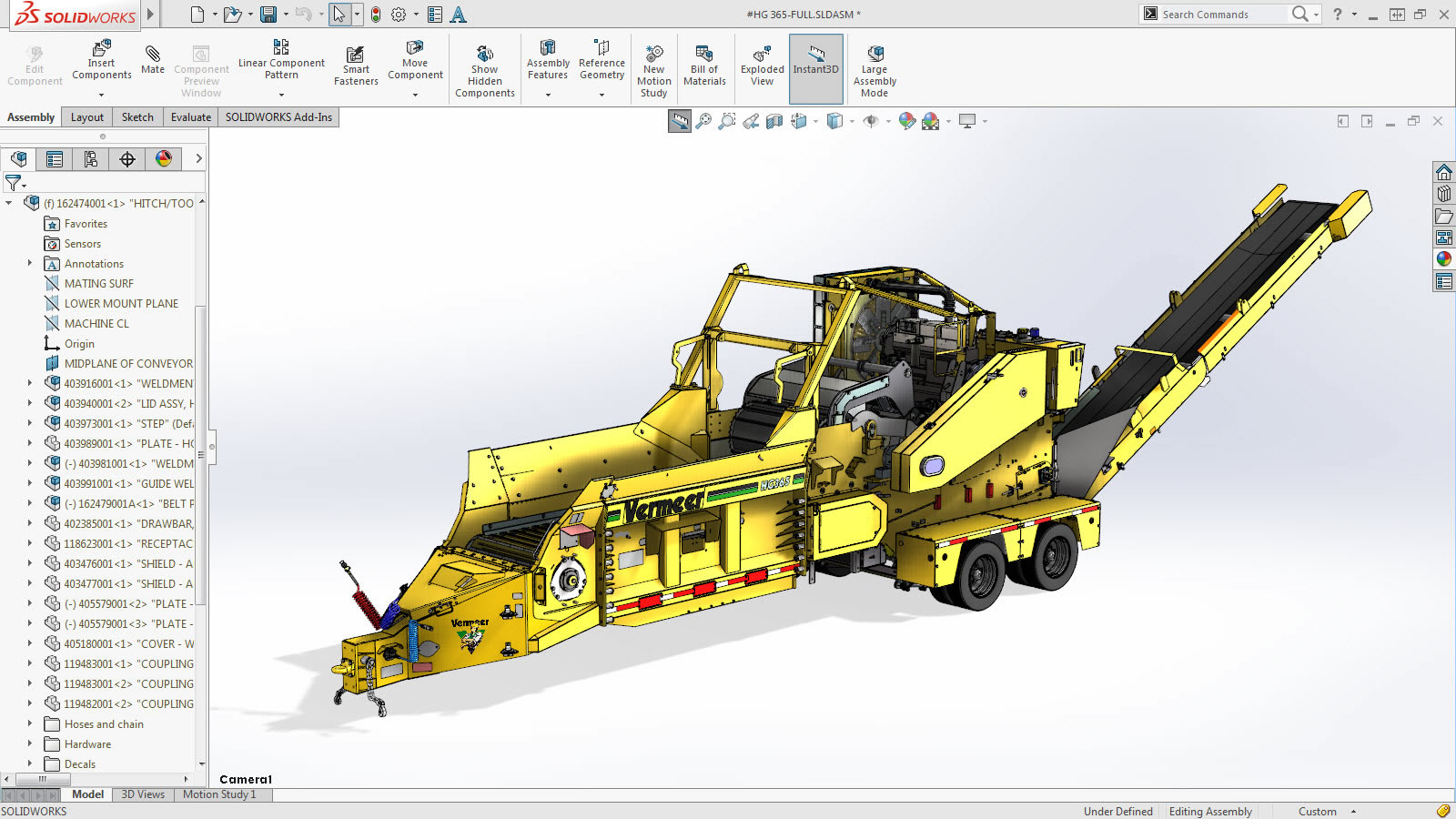
Make the Most of 3D Design
SOLIDWORKS is more than just software; it is a complete solution that helps you turn your ideas from concept into reality. Whatever your industry, SOLIDWORKS provides the tools you need to design with precision, optimize costs, and innovate without compromise.
Discover SOLIDWORKS today and take your design to the next level!
Reliability and Innovation for Professionals
For over 25 years, SOLIDWORKS has been a benchmark for engineers and designers worldwide. Designed to maximize productivity, this software stands out for:
- An intuitive user interface, designed by engineers for engineers.
- Real-time collaboration, with integrated tools for sharing, annotating, and managing projects with your team.
- Secure cloud-based file and revision management, ensuring access anytime and anywhere.
- Optimized workflows, from concept to production, ensuring efficiency and continuous innovation.
Compare SOLIDWORKS 3D CAD Packages
SOLIDWORKS CAD Standard
SOLIDWORKS Standard offers advanced tools for 3D design, including part modeling, assemblies, and detailed technical drawings. With intuitive features for generating complex surfaces, sheet metal, and welded structures, it enhances productivity and simplifies every stage of the project. It also includes tools for stress analysis and environmental impact assessment.

Part/assembly modeling and 2D drawings
Project reuse and automation
Collaboration: CAD data management, sharing, and annotation
Design and manufacturability checks
CAM programming (SOLIDWORKS CAM)
Advanced CAD file import/export and 3D Interconnect
ECAD/MCAD collaboration (CircuitWorks)
Training and support
SOLIDWORKS CAD Professional
SOLIDWORKS Professional extends the capabilities of the Standard version with advanced tools for file management, photorealistic rendering, manufacturing cost estimation, and collaboration through eDrawings. It provides greater control over projects thanks to an extensive library of advanced components and design automation features.
SOLIDWORKS Standard Features
CAD Libraries (SOLIDWORKS Toolbox)
Design with Cost Control (SOLIDWORKS Costing)
CAD Standards Checking (Design Checker)
Advanced Photorealistic Rendering (SOLIDWORKS Visualize)
SOLIDWORKS CAD Premium
SOLIDWORKS Premium is the most comprehensive version, featuring advanced simulation, ECAD/MCAD collaboration, reverse engineering, and piping and wiring design for advanced 3D modeling.
SOLIDWORKS Professional features
Time-based motion analysis
Linear static analysis for parts and assemblies
Routing: electrical cables, pipes, tubing and conduits
Sustainability analysis

We are ready. Are you?
Let’s create innovation together.
Request a free consultation for your company
"*" indicates required fields